


IBC COMBI ADJUSTING THE DHW TEMPERATURE

May 05, 2023
405

ADJUSTING THE DHW TEMPERATURE
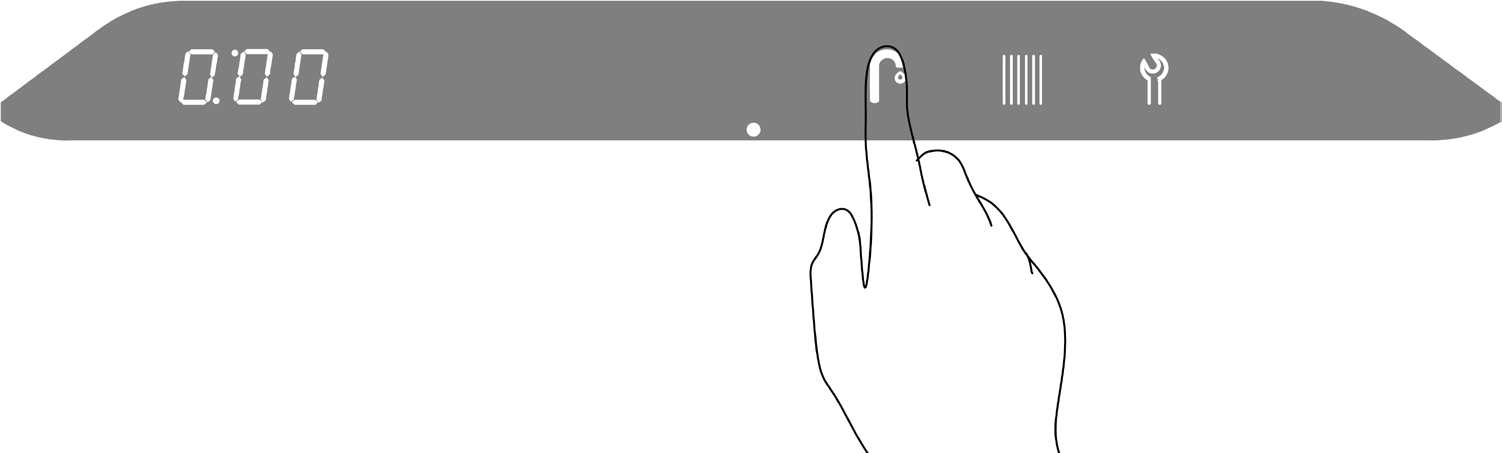
To access the main menu:
1 . Touch the area above the dot .
2 . Touch the Faucet button .
 |
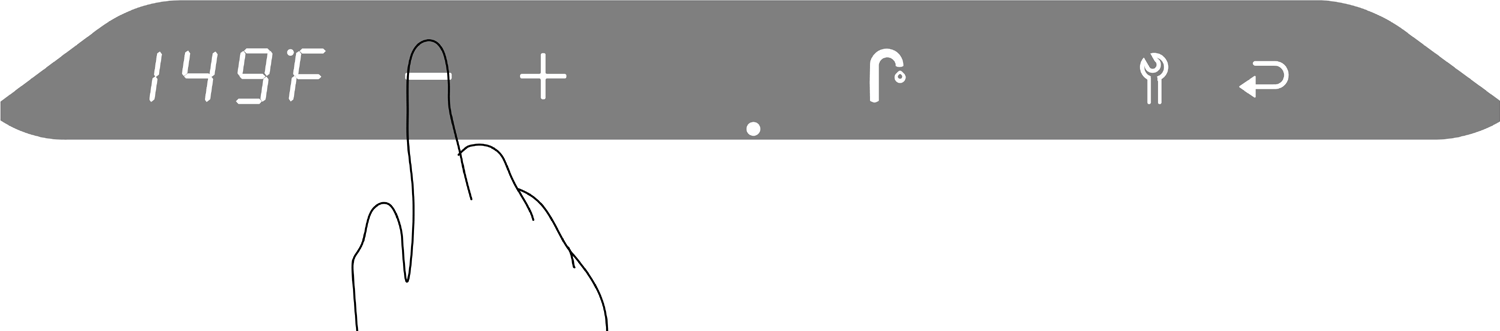
3 . To change the DHW target temperature, touch the Plus or Minus buttons .
4 .
4.
- To save the changes, touch the Return button .
- To exit without saving the changes, touch the area above the dot .
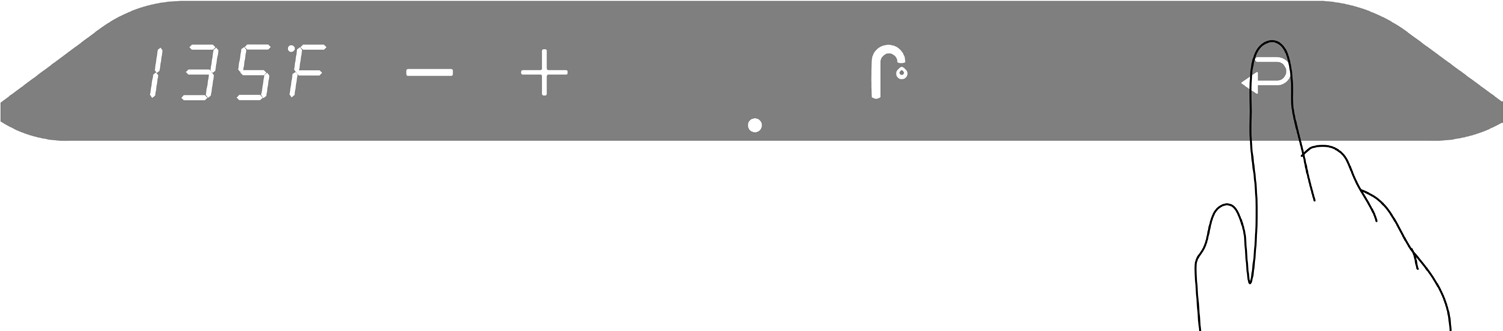
“P” to the right of the screen indicates that the changes have been saved .
 |

