


PELICAN TS Series thermostats Installation Instructions

Mar 28, 2025
 291
291
Pelican offered the TS series before the TC series. The TS series is going away and the TC series will be replacing it. Attached are install manuals in case you have a site with these on it.
MODELS
TS200: Temperature Only
TS200H: Temperature & Humidity
TS250: Temperature & Carbon Dioxide
TS250H: Temperature, Humidity, & Carbon Dioxide
Pelican Thermostat
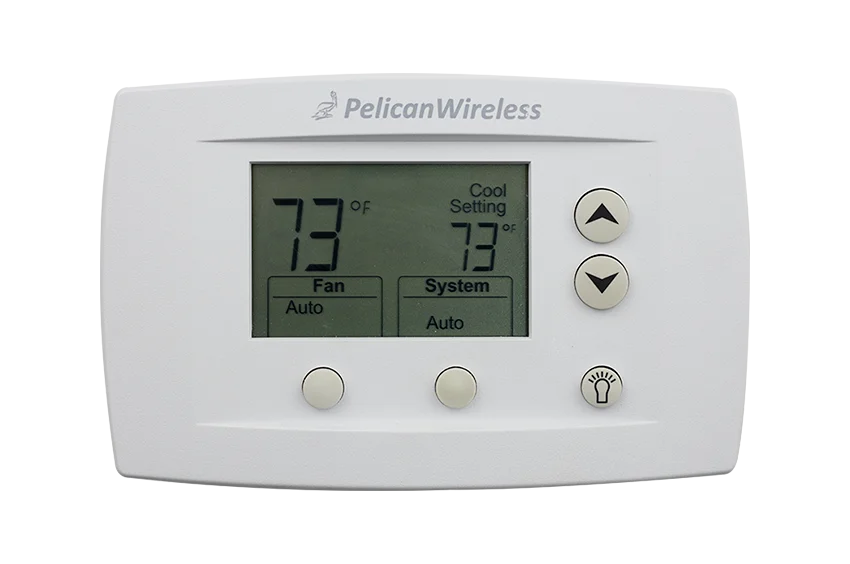
TS200, TS200H, TS250 and TS250H Symbols
These symbols would be displayed in the upper left hand corner of your thermostat and are used to help troubleshoot a potential issue or notify you of an active function.
- O O (2 Dots) = Thermostat has found a Pelican Wireless Mesh Network, but is unable to communicate with the Internet.
- X O (X with 1 Dot) = Thermostat cannot find a Pelican Wireless Mesh Network.
- X (X with No Dots) = Thermostat is unable to communicate with its wiring module (WM500, WM700).
- O Blinking (1 Dot Blinking) = Thermostat upgrade is in progress.
- O Solid (1 Dot Solid) = Thermostat is operating in vacation set times.
- O Blinking (1 Dot Blinking) = CO₂ level is above configured CO₂ Warning Level. (TS250 and TS250H only)

